
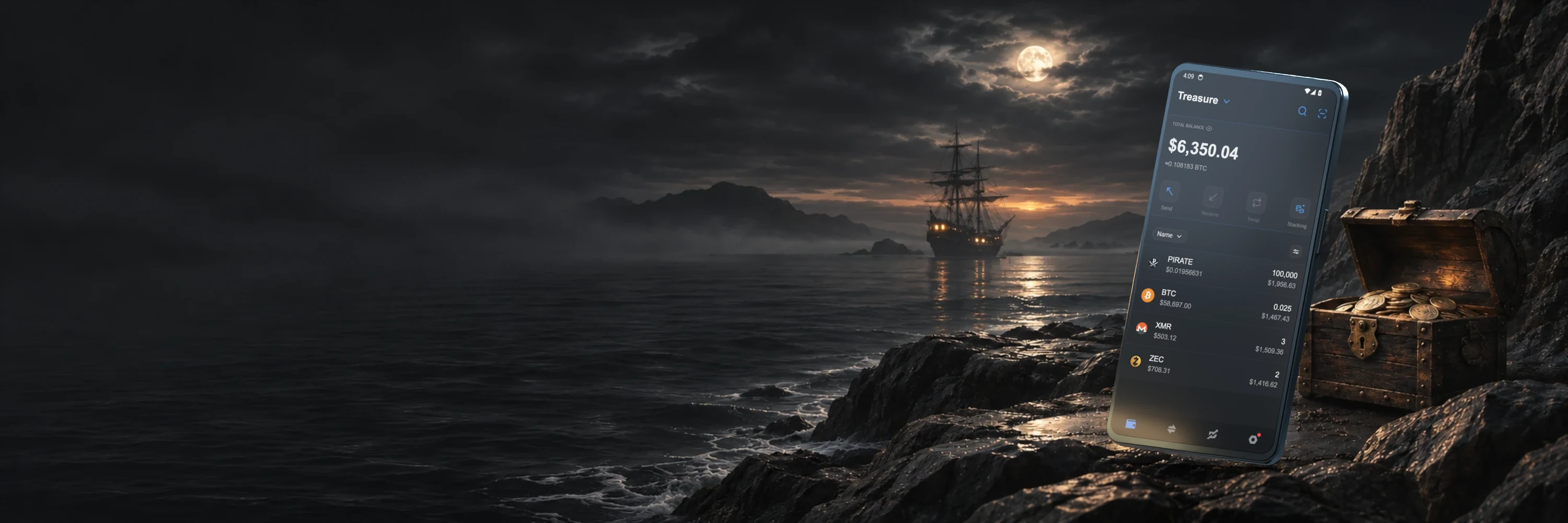
P.CASH Premium
Hold PIRATE in P.CASH for Android to unlock Premium without a subscription. Choose which wallets appear at sign-in, get warnings about risky transfers, and see if someone tried to open the app.


You can try Premium in the app. After the trial, eligibility depends on the PIRATE or COSA balance held in one wallet on BNB Smart Chain. The tokens stay yours.
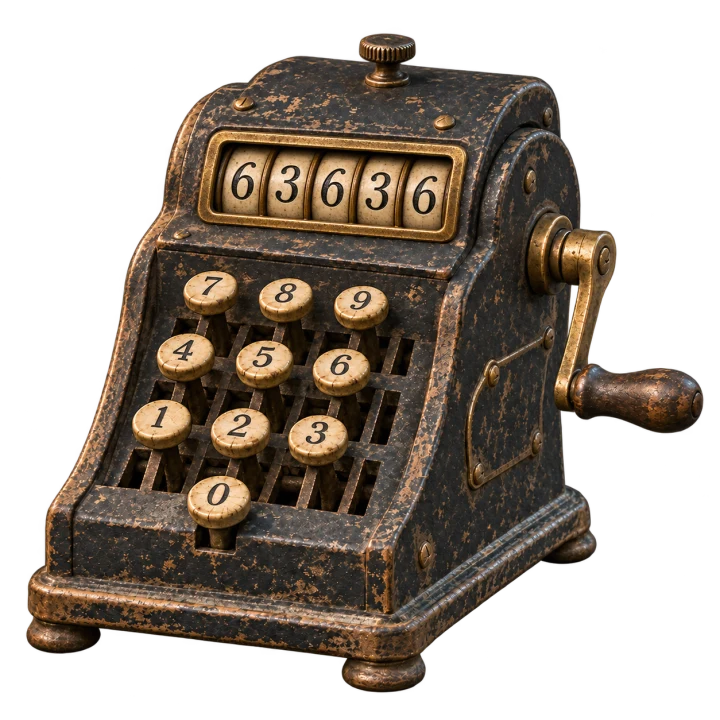
A wallet disguised as a calculator
The app looks and works like an ordinary calculator. Tap “=”. If the result matches your PIN, your wallet opens.
Read MoreShow less
Enable calculator mode in the wallet settings. Use it for everyday calculations. To open the wallet, enter an expression whose result equals your PIN and tap “=”.
Separate PINs for private wallets
Open a hidden wallet with its own PIN.
Read MoreShow less
A hidden wallet appears when you enter its PIN. You choose which wallets are visible when you sign in.

One backup, two passwords
Choose which wallets each backup password restores.
Read MoreShow less
The main password restores all wallets from the backup file. A second password restores only the wallets you selected for duress mode.

Emergency removal
Set separate PINs to erase wallets or the address book.
Read MoreShow less
Set one PIN to erase the wallet’s address book and another to remove all wallets from the device. Restoring the wallets requires a backup or recovery phrase.

Sign-in history
See which sign-ins succeeded and which attempts failed.
Read MoreShow less
Log successful, failed and duress sign-ins. You can enable front-camera photos, protect the log with a PIN, choose how long to keep entries or erase them when you enter duress mode.

Alert a trusted contact
Send a discreet alert to someone you trust through Zcash.
Read MoreShow less
Entering your duress PIN can send a personal message to a trusted contact’s shielded Zcash address. The selected wallet needs ZEC for the transfer and network fee.

Transfer checks
Screen transaction addresses on supported networks.
Read MoreShow less
Get a warning before sending to a smart contract. For incoming transfers, you can check sender addresses against sanctions lists and blocklists on supported networks.

Transaction alerts
Pick the networks and amounts shown in notifications.
Read MoreShow less
Choose the networks and how often to check them. Decide whether notifications show the network name, coin amount and value in your local currency.
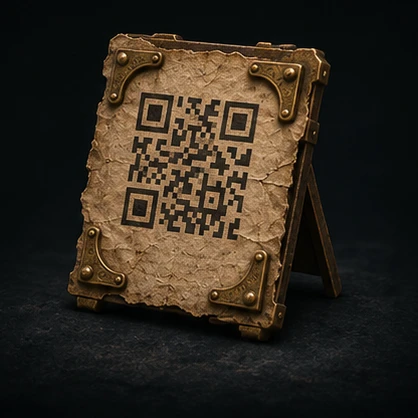
Scan a screenshot
Read an address from an image saved on your phone.
Read MoreShow less
Open a QR image in the wallet scanner to read an address on the same phone.

Monero recovery phrase
Move a compatible Monero wallet using its 25-word recovery phrase.
Read MoreShow less
Export a compatible wallet’s Monero recovery phrase in the classic 25-word format to restore it in another Monero wallet.